


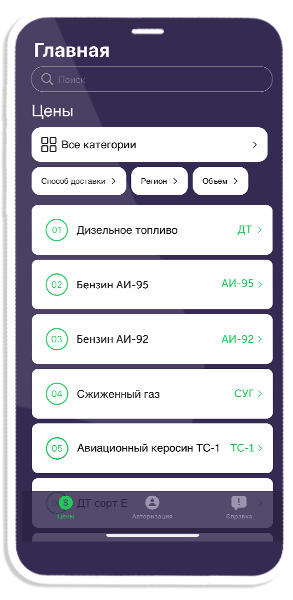
It's convenient in the mobile app
To order petroleum products and manage orders
To monitor current wholesale prices for all types of petroleum products
To follow news and promotions
Join our satisfied users
How to order petroleum products easily and quickly
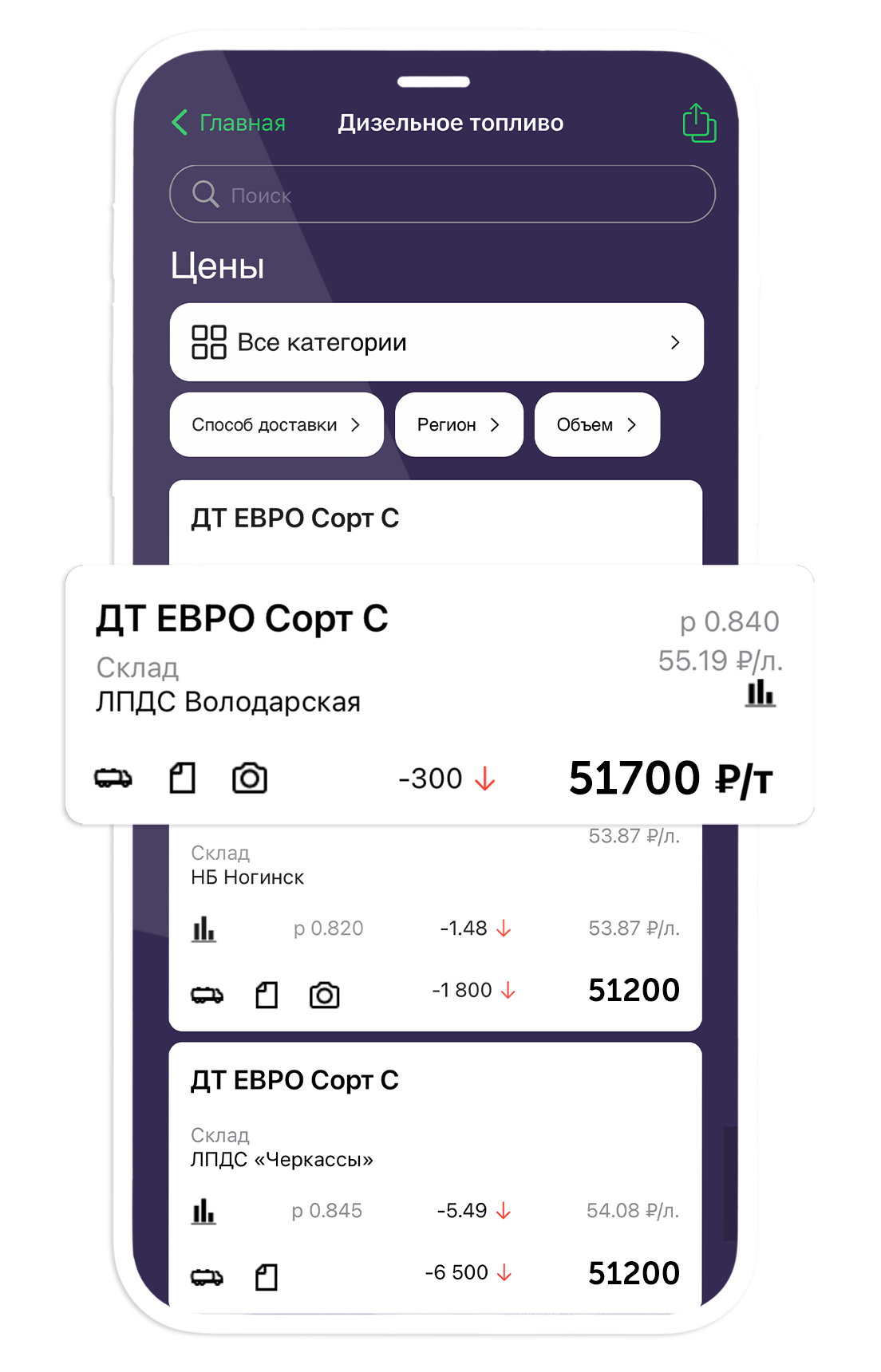

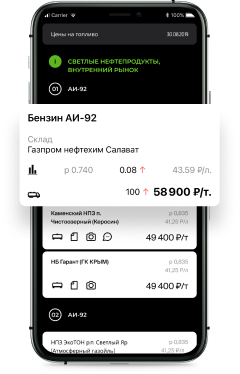
1
Choose an offer
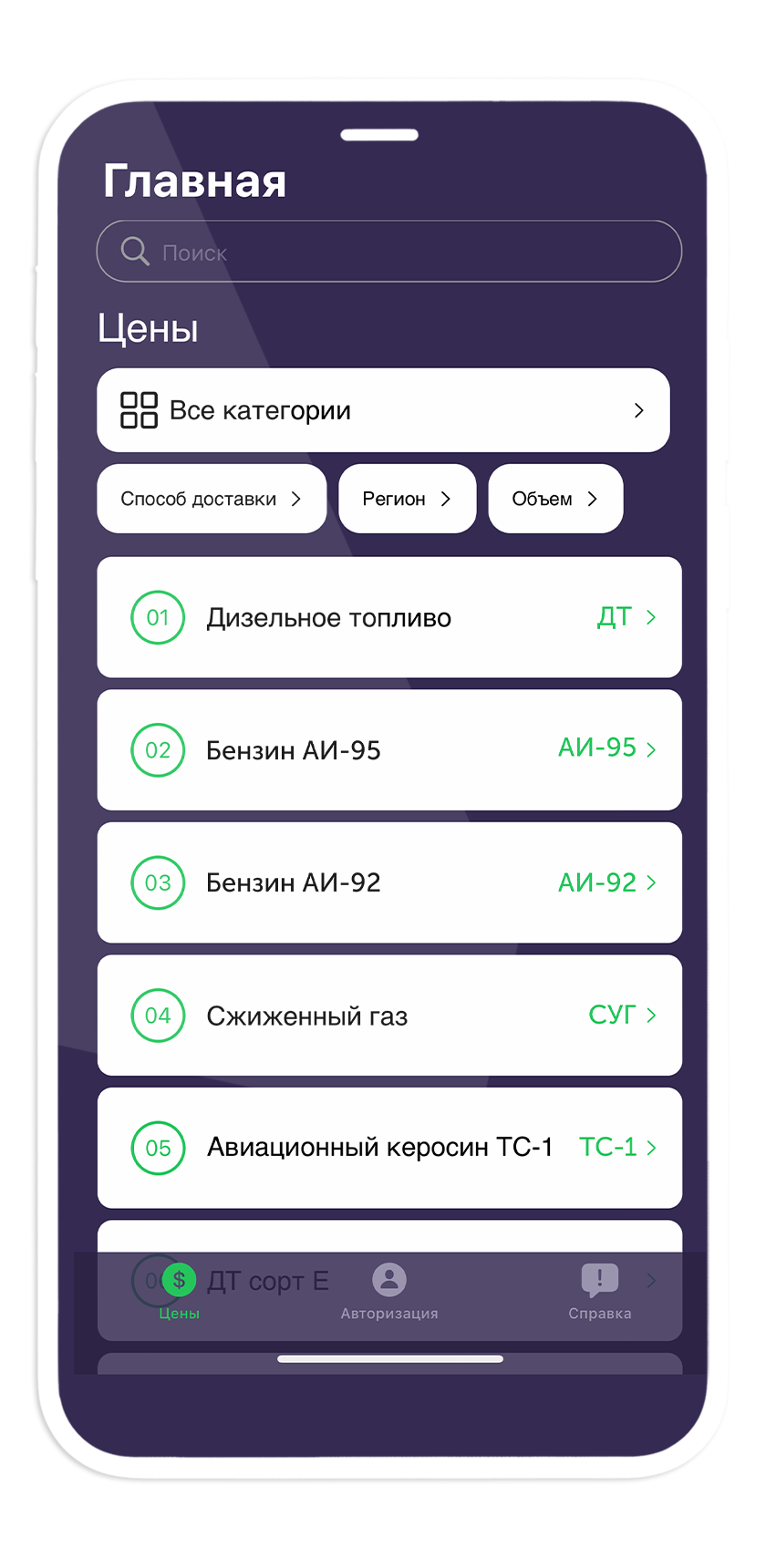

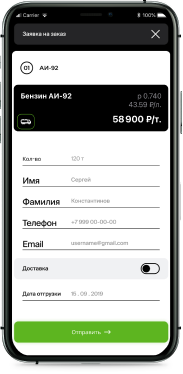
2
Place an order


3
Receive fuel
Buy petroleum products through the app now on iPad
Petroleum products marketplace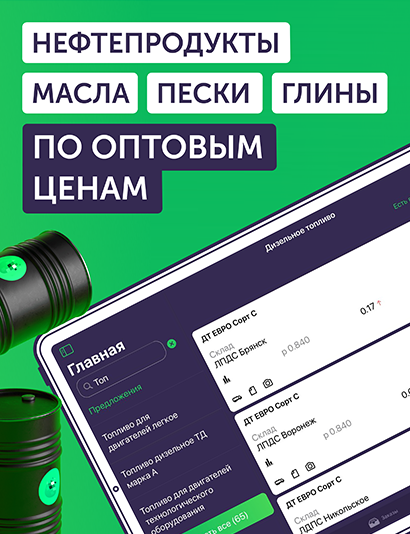
Convenient ordering - quick application processing
Verified suppliers - guaranteed quality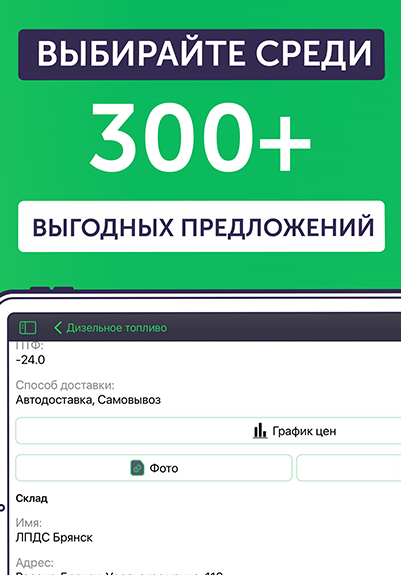
Wholesale prices
FAQ
What do I need to do to register in the app?
Why do you have the most competitive prices on the market?
Who should I contact if I have problems with an order?
What are the guarantees of transaction honesty?
I've never bought fuel before, will I definitely be able to do it?
Version 9.6.0
What's new?
- – Order placement changed - in the new version, order placement is step-by-step;
- – A button to re-open the list of applications in Sber Business has been added to the placed order;
- – User address list added;
- – Added the ability to select an address from the list when placing an order with delivery;
- – Push notification added when order status changes;
- – Push notification added when a document is added or changed for an order;
- – Push notification added when a new message is received in the support chat.